
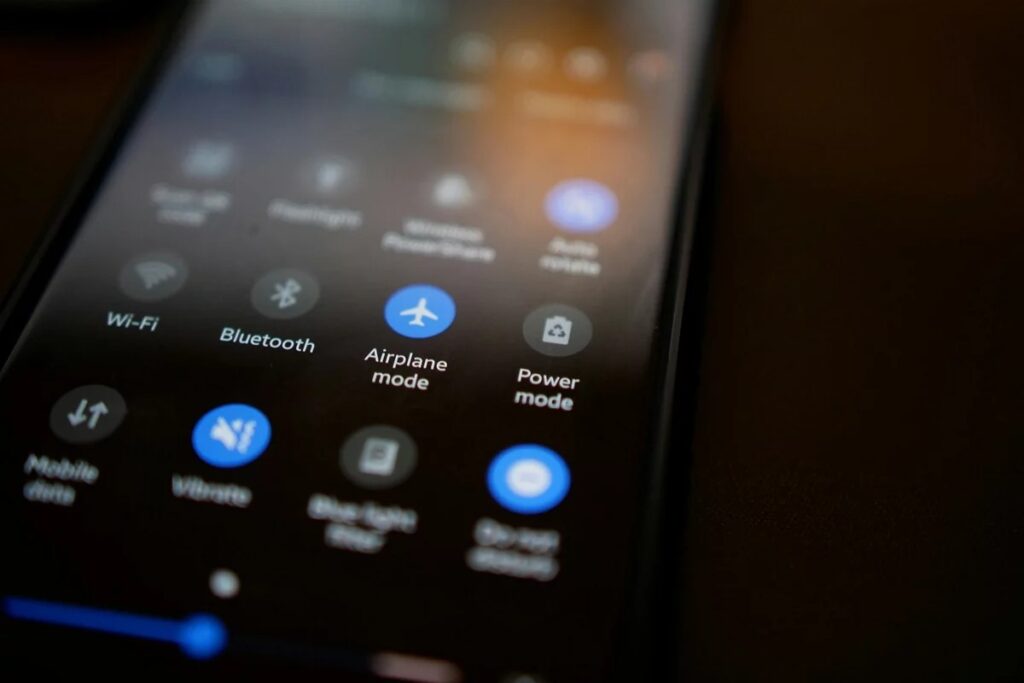
We’ve all experienced the frustration – standing by a window, waving our phones like a wand, desperately trying to find a signal. Whether you’re in the midst of a call or attempting to load a stubborn map, poor reception is a test for anyone’s patience. Fortunately, there’s a surprisingly simple trick to improve your connectivity, and it’s right there on your screen.
Unlocking the Power of Airplane Mode
You know that little airplane icon on your phone – the one you usually ignore until you’re about to board? It turns out airplane mode is not just for flights. In fact, it can become your best mate when your signal plummets or your apps slow to a crawl.
Here’s the science: when you activate airplane mode, your phone disconnects from all wireless communications – mobile, Wi-Fi, Bluetooth, and data. Turning it off again forces your device to reset its network connections, prompting it to search for the most robust signal available. Often, this means switching to a closer, less congested cell tower, resulting in improved reception and faster loading times.
Why Your Phone Gets “Stuck”
In theory, smartphones should be able to seamlessly switch between cell towers as you move around. However, in reality, they can become a bit lazy. Your phone may cling to a distant tower when a closer one could offer much better service. That’s why you might be stuck with a weak signal, only to see it improve dramatically after toggling airplane mode.
According to Ofcom, the UK communications regulator, mobile signal strength can vary notably based on tower congestion, building materials, and even weather conditions. By resetting the connection, your phone gets a fresh start – similar to turning it off and on but without the delay.
Quick Steps to Reset
No tech expertise needed. Simply swipe down from the top of your screen and tap the airplane icon. Wait for five to ten seconds – just enough for your phone to fully disconnect – then tap it again to restore your connection.
On an iPhone, this can be done via the Control Centre; on Android, it’s found in the Quick Settings panel. In mere moments, your phone re-establishes its connection, often achieving stronger reception and enhanced data speeds.
This handy trick is especially effective when you’re on the move, driving through areas with unstable service, or caught in busy urban centres where countless devices are vying for connectivity. Plus, if your iPhone switches to ‘SOS Only’ or your Android struggles to reconnect, this small manual reset can save you from having to restart the entire device.
What it Won’t Do
Let’s be clear – this isn’t a miracle solution. If you’re in a remote location with no signal towers nearby, your phone won’t be able to conjure one from thin air. However, in areas with intermittent coverage, such as suburban regions or busy transport hubs, this little hack can significantly enhance your experience.
It serves as a reminder of how reliant we are on invisible connections in our daily lives. So, the next time your phone stumbles during a call or your playlist starts buffering, don’t panic – just flick that airplane switch. Oftentimes, getting a better signal is just one tap away.